Premium License Registration
To register a Labrador premium license follow these steps:
Plug your Canopy into your computer with the provided Cable and open Labrador. You can download Labrador here.
When the Canopy status light (next to the antenna) illuminates, click Load devices in Labrador.
Click on the Canopy icon in Labrador. Then click Register here.
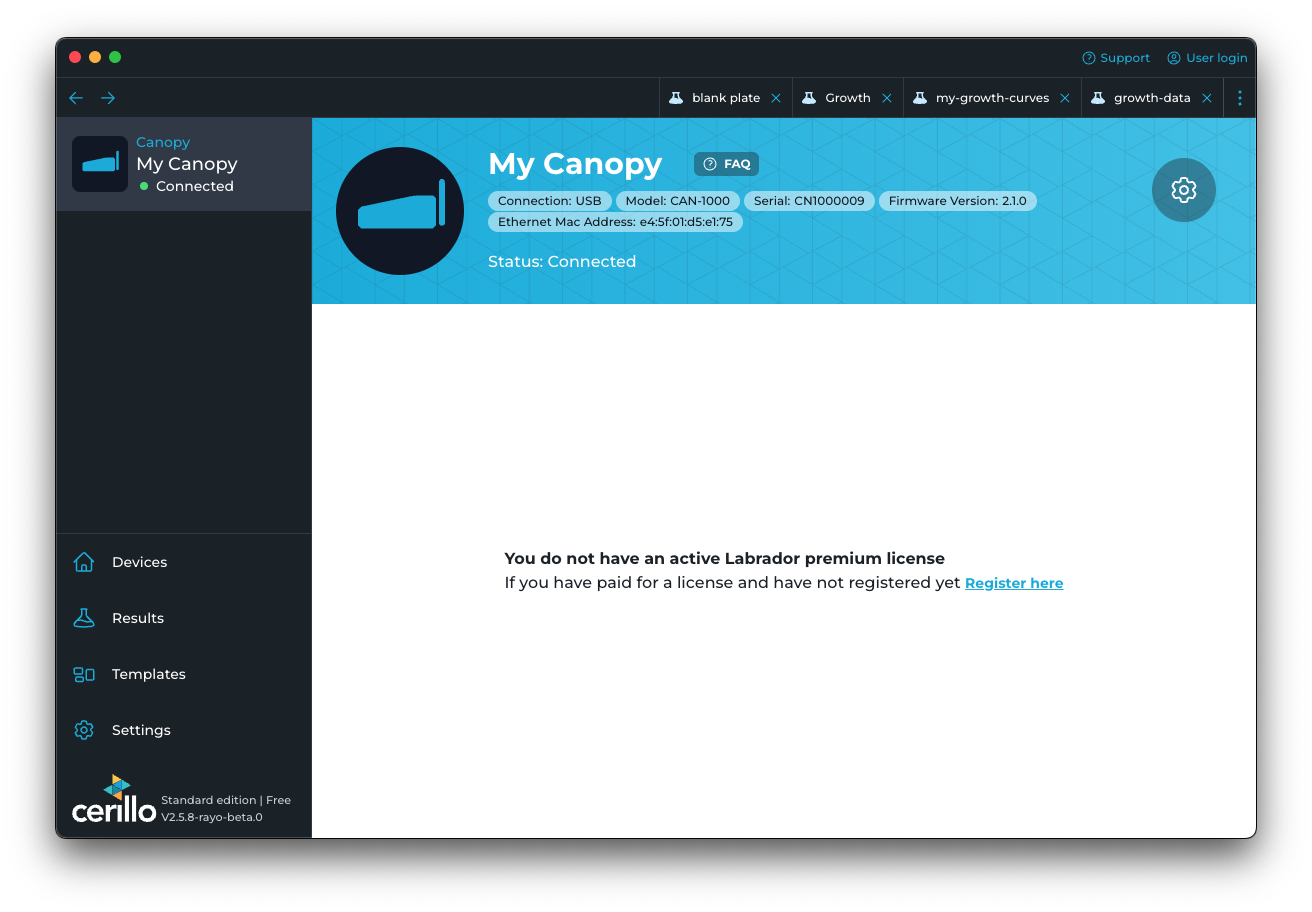
If you already belong – or have an invitation – to an organization with a premium license, you can simply sign-in in the register dialog to access Canopy-connected devices. Otherwise, click Activate a new license.
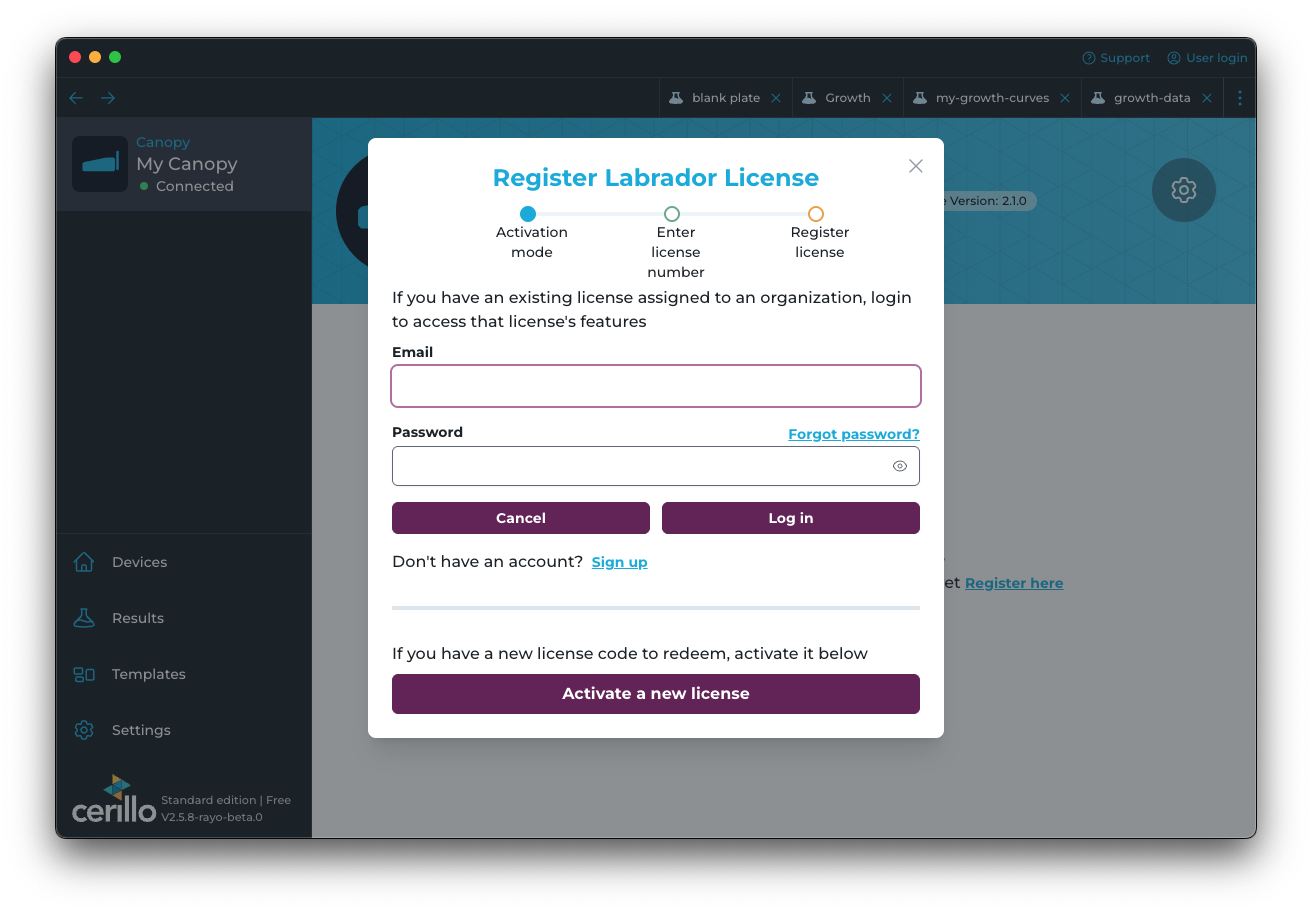
Enter the license code, found on the card included in your Canopy package.
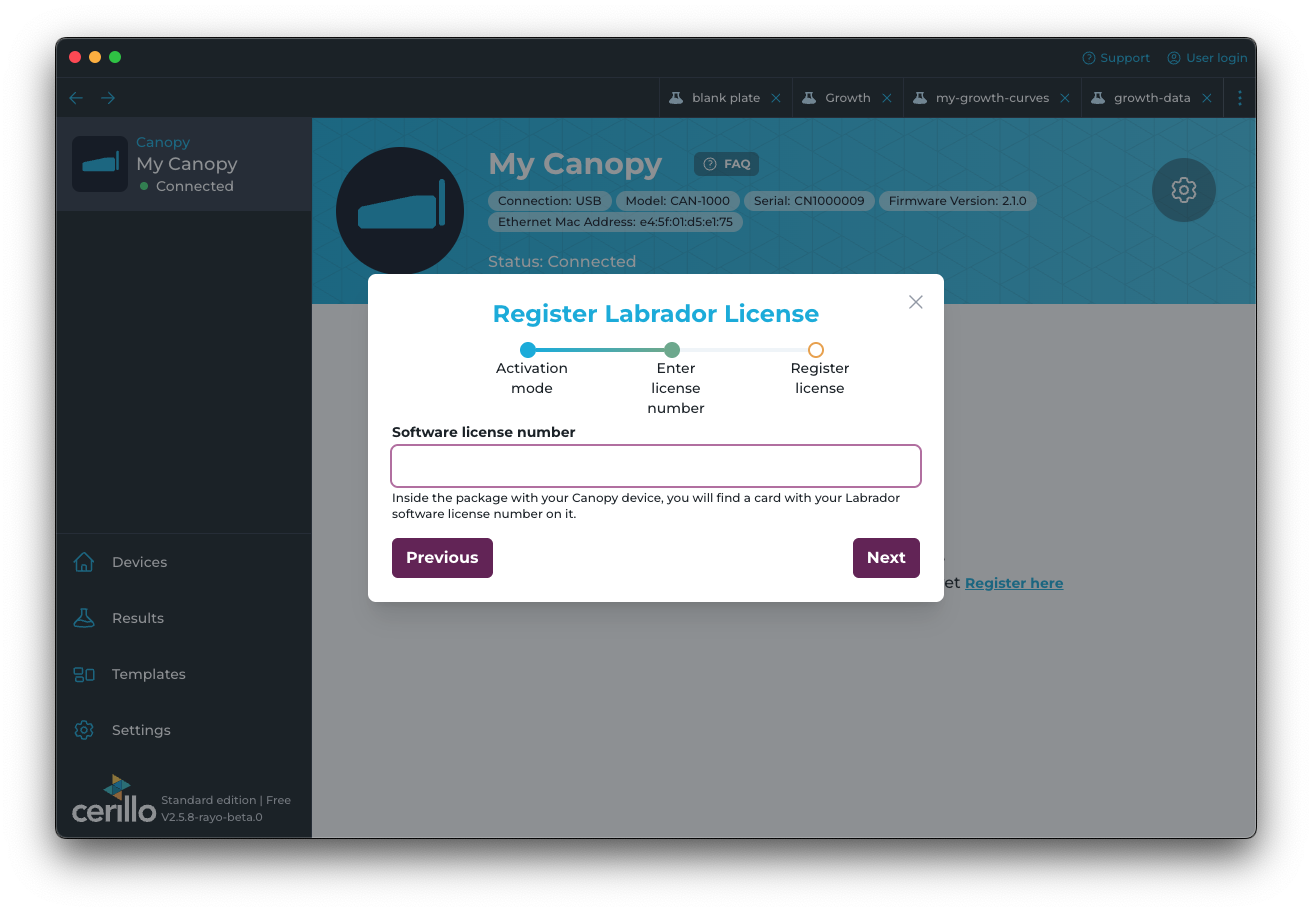
To complete registration, you must be logged in to a Cerillo account. If you are creating a new account, click Sign up, then enter an email associated with the account and a password. If you already have an account, click Log in. Please note: after registration, other users can be added with individual login credentials.
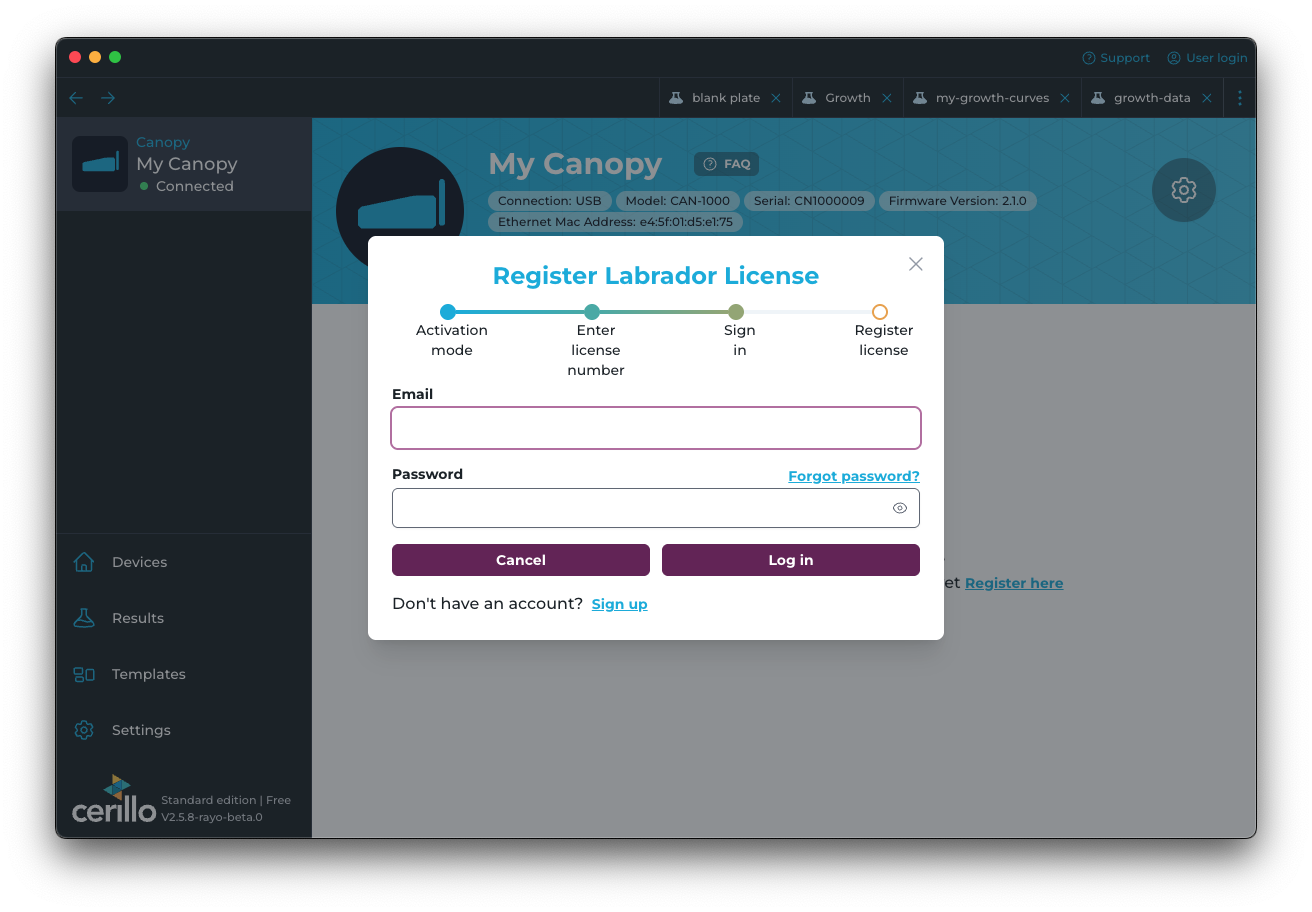
Choose an existing organization or a new organization name to assign your license to.
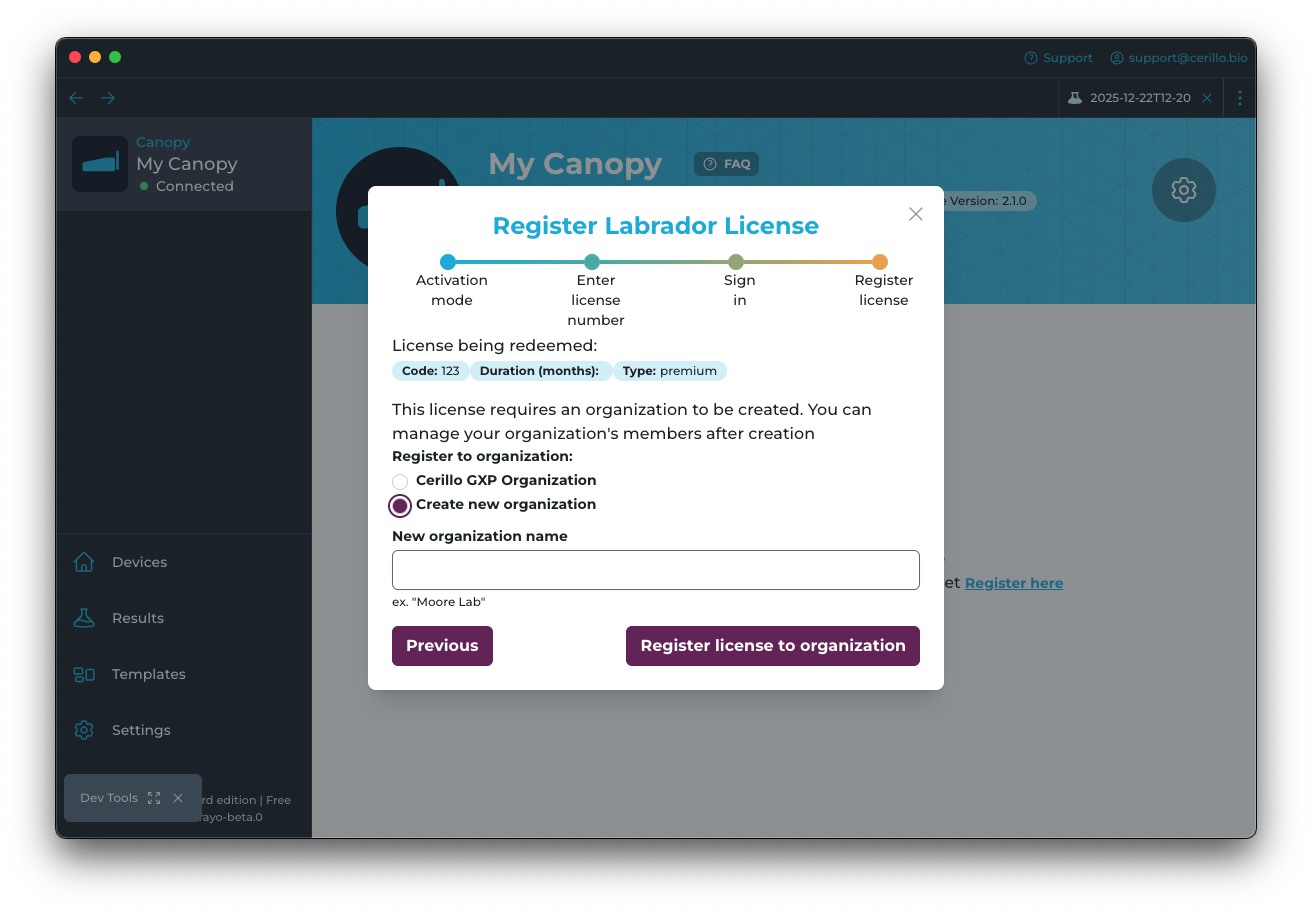
Click Register
If successful, your account should now unlock Labrador premium features. See the Canopy manual for more details on Canopy usage.
To add other users to your organization use Organization Settings